Who can use this
A public catalogue book.
Steps
- Open a cover or title from Discover Books.
- Read the description, credited contributors and available edition information.
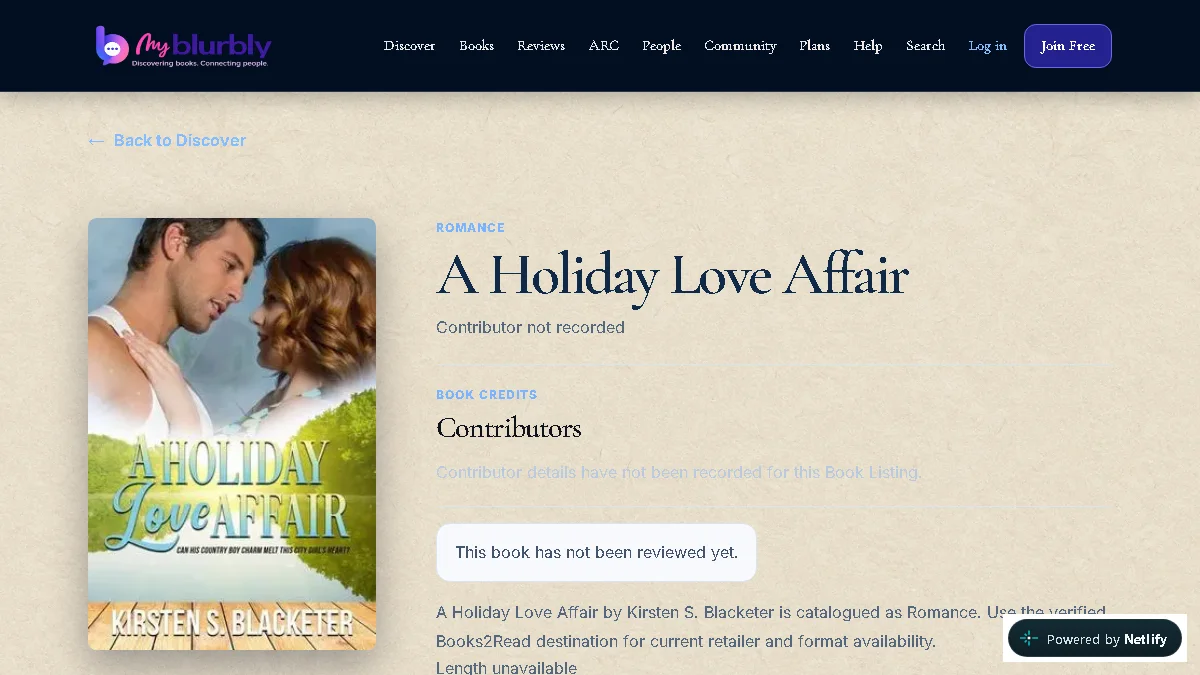
Check the canonical Book details and available reading actions. - Choose Want to Read to save the Book privately. Sign in when asked.
- Use Discover to return to public book browsing, or open Community when you want to join a book-focused conversation.
What happens next
The canonical Book shows recorded public facts and a safe external buying destination when one is available. Saving to My Reading remains private.
Common problems
- The Book is unavailable.
- Return to Discover. The listing may be unpublished, removed or the address may be incorrect.
- Ratings or Reviews are not shown.
- Ordinary public ratings and reviews are not available during the current launch stage. Private ARC feedback stays inside its campaign.